Kept on purpose
Keep from the clipboard with a widget, the Share sheet, the Services menu on a Mac, or by dropping a file onto Amber. Nothing is captured behind your back.
Clipboard manager
Amber does not record everything you copy. Keep the things worth keeping, the address, the link, the screenshot, the paragraph, and reach them again in a tap from iPhone, iPad or Mac.
Download for MacFree on the Mac App Store · macOS 13 or later · Apple silicon and Intel
Or install the direct download with Homebrew:
brew install --cask chinmay-92/tap/amberDownload for iPhone and iPadFree on the App Store · iOS 16 or later
Download for iPhone and iPadFree on the App Store · iOS 16 or later
On a Mac you can also install it with Homebrew:
brew install --cask chinmay-92/tap/amber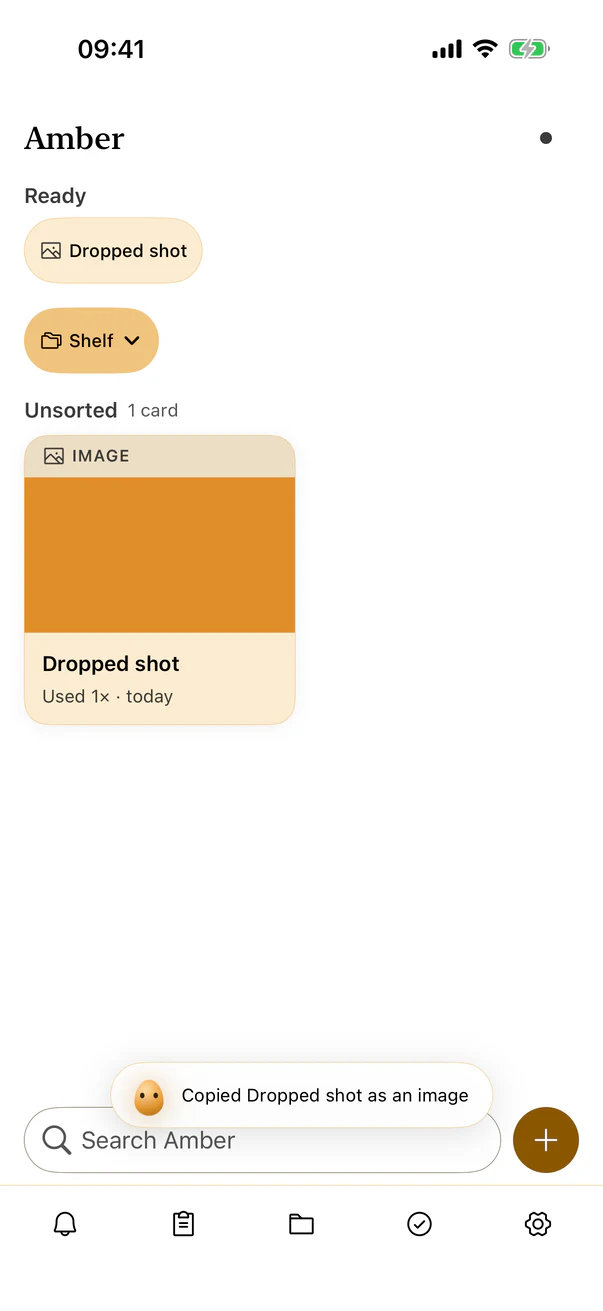
Keep from the clipboard with a widget, the Share sheet, the Services menu on a Mac, or by dropping a file onto Amber. Nothing is captured behind your back.
Tap a card to copy it. Images and files copy as themselves, not as a filename, and Amber confirms what went onto the clipboard.
Your cards sync through your own iCloud, and you can beam one straight to another of your devices. No pairing, no cable.
No Amber account, no Amber server, no analytics in the app. Passwords belong in a password manager. Everything else you reuse can live here.